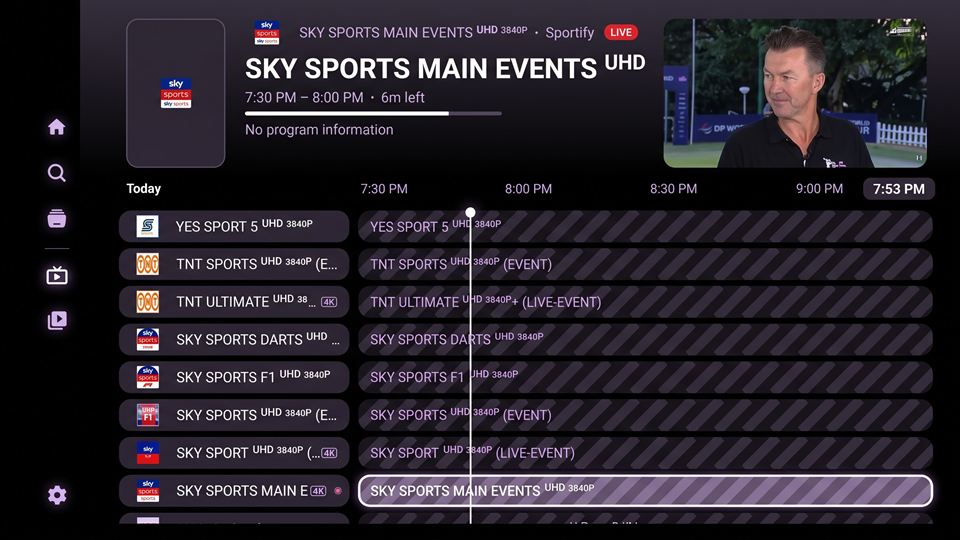
Step 1
On your phone or computer
Create a Nuvio Account
- Visit the official Nuvio website: nuvioapp.space
- Click Log In, or Create Account if you're a new user.
- Enter your email address and password.
- After signing in, you'll have access to the Nuvio Dashboard, where you can manage your profiles, addons, and settings.
Tip: Keep your email and password handy. You'll need them again to sign in during Step 3.